
If you're getting started with digital art, you've probably seen the terms graphic tablet and drawing tablet used interchangeably.
While both help artists create digital artwork, they work differently and suit different creative workflows. This guide explains the key differences and helps you choose the right tablet for your needs.
Contents
Quick Answer
A graphic tablet requires a separate computer and typically has no built-in screen, while a drawing tablet includes a display or standalone functionality that allows you to draw directly on the screen.
Graphic Tablet vs Drawing Tablet Comparison
| Feature | Graphic Tablet | Drawing Tablet |
|---|---|---|
| Display | ✗ No Screen | ✓ Built-in Screen |
| Computer Required | ✓ Yes | - Yes - No (Standalone Models) |
| Portability | Moderate | High (Standalone Models) |
| Learning Curve | Steeper | Easier |
| Best For | Desktop Workflows | Beginners & Mobile Artists |
| Price Range | Generally Lower | Generally Higher |
Best Choice for Most Beginners
Most new artists find drawing tablets easier because they allow you to draw directly where you see your artwork. This creates a more natural experience similar to drawing on paper.
What Is a Graphic Tablet?
A graphic tablet is a pressure-sensitive device that connects to a computer. Artists draw on the tablet surface while viewing their work on a separate monitor.
These tablets are popular among professional illustrators, graphic designers, and photo editors because they integrate seamlessly with desktop creative software.
Affordable
Usually costs less than display-based drawing tablets.
Accurate Pen Control
Excellent precision for professional creative work.
Desktop Software
Works with advanced creative applications.
What Is a Drawing Tablet?
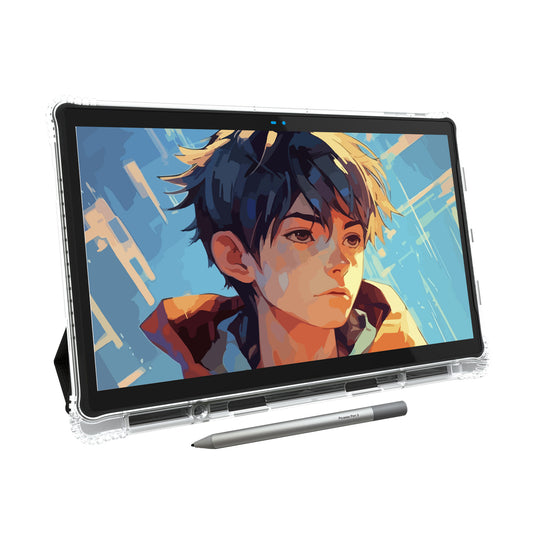
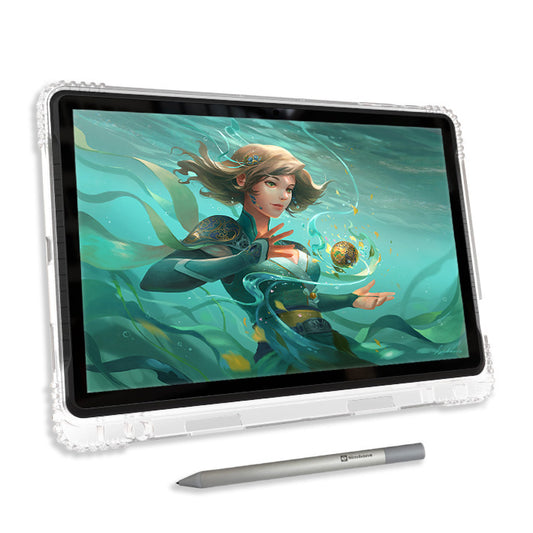
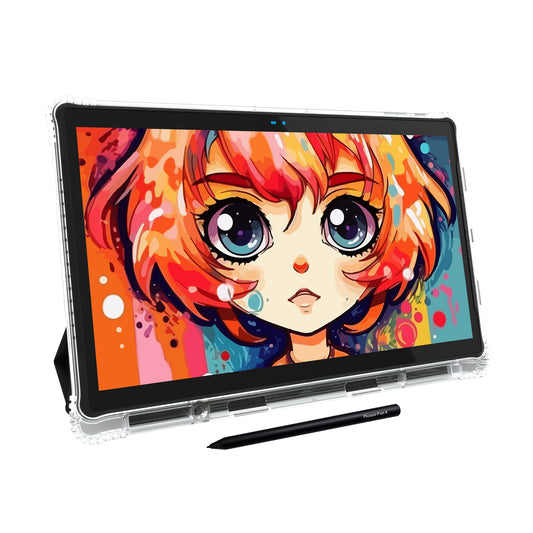
A drawing tablet includes a built-in display that lets artists draw directly on the screen. Some models are fully standalone and do not require a computer.
This creates a more natural drawing experience that closely resembles traditional sketching.
Draw Directly On Screen
No disconnect between your hand and your artwork.
Beginner Friendly
Much easier learning experience for new artists.
Which Tablet Is Better for Beginners?
For most beginners, a drawing tablet is the easier option because the pen interacts directly with the display. The learning curve is shorter and the drawing experience feels more intuitive.
If portability and convenience are important, a standalone drawing tablet is often the best choice.
Who Should Choose a Graphic Tablet?
- Professional designers
- Artists with desktop workstations
- Users who already own a powerful computer
- Those seeking a lower-cost entry into digital art
Who Should Choose a Drawing Tablet?
- Beginner artists
- Students
- Traveling creators
- Artists who prefer drawing directly on-screen
- Users wanting an all-in-one creative device
Frequently Asked Questions
Can a beginner use a graphic tablet?
Yes. However, most beginners find drawing tablets easier because they can draw directly on the screen.
Do drawing tablets require a computer?
Not always. Many modern standalone drawing tablets operate independently without a computer.
Which is best for digital art?
Both can create professional artwork. The best choice depends on your workflow, budget, and portability needs.
Final Thoughts
Graphic tablets excel in desktop creative environments, while drawing tablets provide a more natural and beginner-friendly drawing experience.
If ease of use, portability, and drawing directly on the screen are important to you, a drawing tablet is often the better choice.
Looking for a Beginner-Friendly Drawing Tablet?
PicassoTab lets you draw directly on the screen without needing a separate computer.
- ✓ Standalone Android Drawing Tablet
- ✓ Beginner-Friendly Tutorials Included
- ✓ Ready to Use Out of the Box
- ✓ Draw Anywhere Without a Laptop