
Pressure sensitivity is one of the most important specs on any drawing tablet — but what do those numbers actually mean? Here's what every artist needs to know before buying.
Contents
Quick Answer
Pressure sensitivity is a drawing tablet's ability to detect how hard or lightly you press the stylus — giving you natural control over line weight, shading, and brush opacity. Tablets come in 1024, 4096, or 8192 levels. For beginners, 1024 or 4096 is more than enough. For professionals doing highly detailed work daily, 8192 offers the finest control. In all cases, practice and technique matter far more than the number.
What Is Pressure Sensitivity on a Drawing Tablet?
Pressure sensitivity refers to a drawing tablet's ability to detect how hard or lightly you press the stylus against the surface. Just like a traditional pencil or paintbrush, a pressure-sensitive pen lets you vary your strokes naturally — press lightly for thin, delicate lines, or apply more pressure for thicker, darker marks.
The number of levels (1024, 4096, or 8192) describes how many distinct degrees of pressure the pen can detect. The higher the number, the more granular the control — though in practice, the difference is subtle for most artists.
Why Does Pressure Sensitivity Matter?
Pressure sensitivity is what separates digital drawing from simply moving a cursor around a screen. Without it, every stroke would appear at the same thickness and opacity — flat and mechanical. With it, your hand directly controls how the line feels.
Natural Line Weight
Create thin and thick lines exactly like a real pen or brush.
Smooth Shading
Build gradients and tonal range with subtle hand pressure alone.
Brush Opacity Control
Vary transparency naturally without touching a slider.
Expressive Artwork
Your drawing style comes through — not a uniform digital look.
Mimics Real Tools
Feels like pencil, ink, or paint — not a mouse.
Faster Workflow
Less time adjusting settings, more time actually drawing.
All pressure sensitivity levels explained
Pressure sensitivity levels have evolved over the years. Here's the full spectrum you'll see across tablets on the market today:
| Feature | 1024 Levels ENTRY |
4096 Levels MID |
8192 Levels PRO |
|---|---|---|---|
| Best For | Beginners, note-taking, learning basics | Beginners through advanced artists | Professional illustrators, concept artists |
| Shading Control | Basic | Excellent | Maximum precision |
Our Recommendation
For most artists — including many professionals — 4096 levels delivers everything you need. The difference between 4096 and 8192 is far smaller than the difference between practicing daily and drawing once a week.
Which Tablets Use Which Pressure Level?
Knowing the spec is one thing — knowing which actual tablet uses it helps you make a faster, smarter decision. Here's how popular drawing tablets map to each pressure level.
Is 4096 Pressure Sensitivity Good Enough?
Absolutely. For beginners, students, hobby artists, and most digital creators, 4096 levels provides an excellent drawing experience. Many modern standalone drawing tablets use 4096-level pens precisely because they deliver smooth, accurate, and responsive performance while remaining affordable.
In real-world drawing, most artists — including intermediate and advanced illustrators — cannot tell the difference between 4096 and 8192 during everyday work. The gains from 8192 are real but subtle, and only apparent in highly detailed professional workflows.
Drawing Apps That Support Pressure Sensitivity
Pressure sensitivity is only as useful as the software taking advantage of it. These popular apps all support full pressure-sensitive brush control:
- Adobe Photoshop — industry standard for digital painting and photo illustration
- Procreate — beloved by iPad artists for its natural brush engine
- Clip Studio Paint — top choice for manga, comics, and illustration
- Krita — powerful free option with excellent brush customization
- Corel Painter — best-in-class natural media simulation
- Infinite Painter — highly rated Android drawing app
- Sketchbook — clean, intuitive sketching for all levels
- Concepts — great for design and vector-based illustration
What Else Should You Look for in a Drawing Tablet?
Pressure sensitivity is important, but it's one part of a larger picture. When comparing drawing tablets, also consider:
- Screen size and display resolution
- Stylus tilt recognition
- Palm rejection quality
- Battery life for your typical sessions
- Whether it works standalone or needs a computer
- Drawing software compatibility
- Build quality and portability
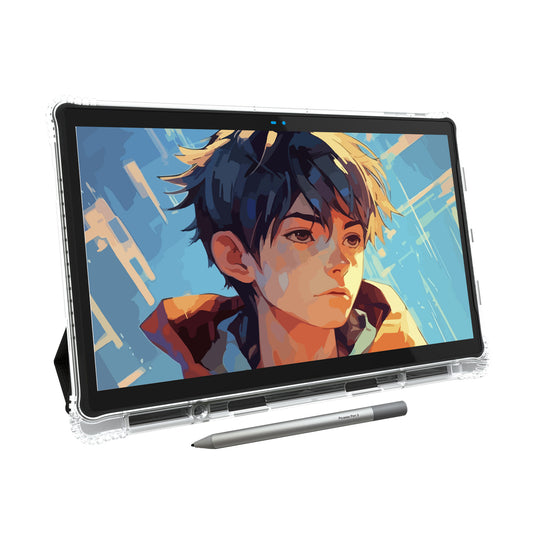
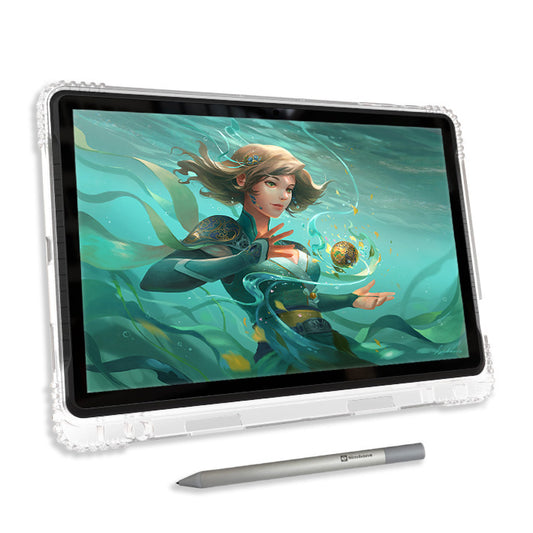
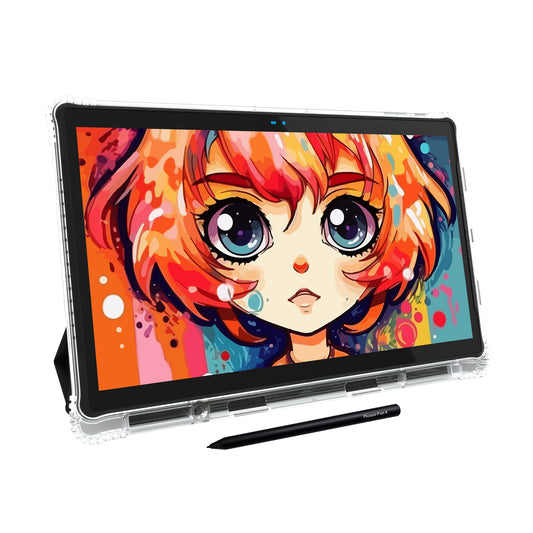
A well-balanced tablet with 4096 pressure sensitivity will often outperform a spec-heavy model that falls short on display quality or software support. The Simbans PicassoTab X14 is a great example — affordable, standalone, and built for artists at every level.
Ready to Start Drawing?
The PicassoTab X14 gives you everything you need — 4096-level pressure sensitivity, a large 14.1-inch display, and drawing apps included. No computer required.
- ✓ 4096-Level Pressure-Sensitive Stylus
- ✓ Standalone Android Drawing Tablet
- ✓ Drawing Apps & Accessories Included
- ✓ Draw Anywhere Without a Laptop