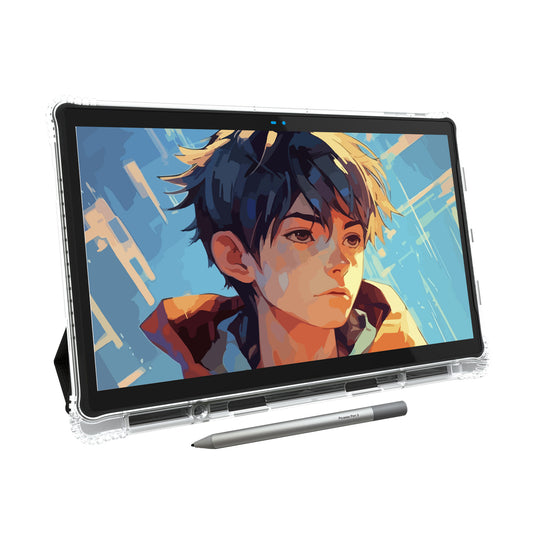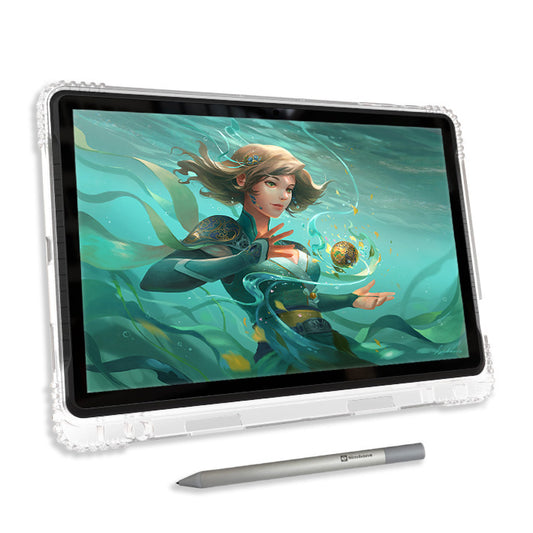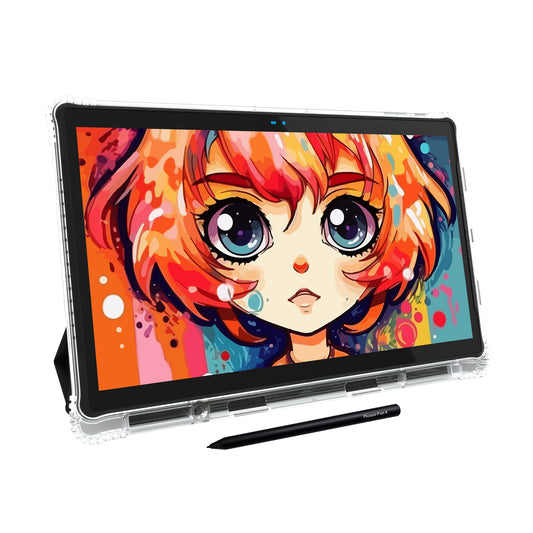

Whether you're creating quick sketches, designing comics, or producing professional illustrations, choosing the best drawing app for Android can make a huge difference in your creative workflow.
Today's Android tablets are more powerful than ever. Combined with a responsive stylus and the right drawing software, they provide everything you need to create artwork anywhere.
Whether you're a beginner learning to draw or a professional digital artist looking for advanced features, this guide covers the best Android drawing apps available today — including both free and premium options.
Why Choosing the Right Android Drawing App Matters
Not every drawing app is built for the same purpose. Some apps are designed for painting, while others focus on comics, pixel art, vector illustration, or quick concept sketches. Choosing the right app depends on your workflow and artistic style.
When comparing drawing apps for Android tablets, consider:
- Brush variety and customization
- Pressure sensitivity support
- Layer management
- Palm rejection compatibility
- PSD and PNG export
- Cloud backup and cross-platform syncing
- Beginner-friendly interface
- Free vs premium features
A capable Android tablet paired with a quality stylus can deliver an experience that's surprisingly close to a desktop drawing setup.
Top 9 Drawing Apps — Quick Comparison
Compare ratings, downloads, and pricing at a glance.
Concepts
A vector-based, infinite canvas with precision drawing tools favored by architects, product designers, and illustrators alike. No page-size limits, ever.
Infinite Painter
Realistic pencil simulation and advanced blending modes give it a desktop-software feel trusted by professional painters.
ibis Paint X
Over 15,000 brushes plus manga tools and drawing-process recording. Balances professional depth with beginner-friendly ease.
Sketchbook
A clean, distraction-free canvas with pressure-sensitive brushes and perspective guides. Feels remarkably close to pencil on paper.
MediBang Paint
Comic panel tools, screen tones, and seamless cloud sync across Android, Windows, and Mac keep manga projects portable.
Tayasui Sketches
A clean, simple interface with natural watercolor and pencil tools — an approachable, no-ads way to start drawing on Android.
Clip Studio Paint
The industry-standard app for manga and comic artists, with panel layouts, screen tones, and animation tools in one subscription.
ArtFlow
Familiar desktop-editing workflow with PSD export and layer blending, ideal for artists moving between mobile and Photoshop.
Krita
A completely free, open-source painting program with a full professional brush engine — no subscriptions or watermarks required.
Note: Simbans tablet owners can request a coupon to redeem the Concepts Essentials plan at no additional cost. The Everything plan is available separately for $4.99/month.
Which Android Drawing App Should You Choose?
The best app depends on what you enjoy creating.
- Editor's Pick (overall): Concepts
- For professional painting: Infinite Painter
- For beginners: Tayasui Sketches or Sketchbook
- For manga & comics: MediBang Paint or ibis Paint X
- For professional comic work: Clip Studio Paint
- For free & open-source: Krita
Fortunately, most of these apps offer free versions, so you can experiment before committing to premium features.
Pair Your Favorite Drawing App with the Right Tablet
A great drawing app deserves equally capable hardware. Using a responsive stylus, a laminated display, and pressure sensitivity can dramatically improve your drawing experience.
If you're looking for a portable standalone drawing tablet, explore our guides below:
Final Thoughts
The Android ecosystem now offers an impressive selection of drawing apps for every type of artist. Whether you're creating manga, concept art, pixel illustrations, or professional paintings, there's an app designed to match your creative style.
Many of these apps are free to start, making it easy to discover which workflow feels most natural before upgrading.
With the right combination of a quality drawing app and a capable Android drawing tablet, you'll have everything you need to turn ideas into artwork — wherever inspiration strikes.